
Article

Preliminary notes
The content of this tutorial is provided “as-is”, with no warranty. Before running it in production:
- Test on an isolated VM or lab server.
- Back up files, configurations and databases involved (e.g.
/etc, user homes, DB dumps). - Never place secrets (passwords, API tokens, SSH keys, personal data) into prompts, versioned config files or agent logs.
- An agent with a cloud endpoint ships portions of your environment to a third-party provider: for regulated data use local models (Ollama) or a self-hosted endpoint.
- The agentic ecosystem evolves fast: check the release notes of the version you install.
What opencode is
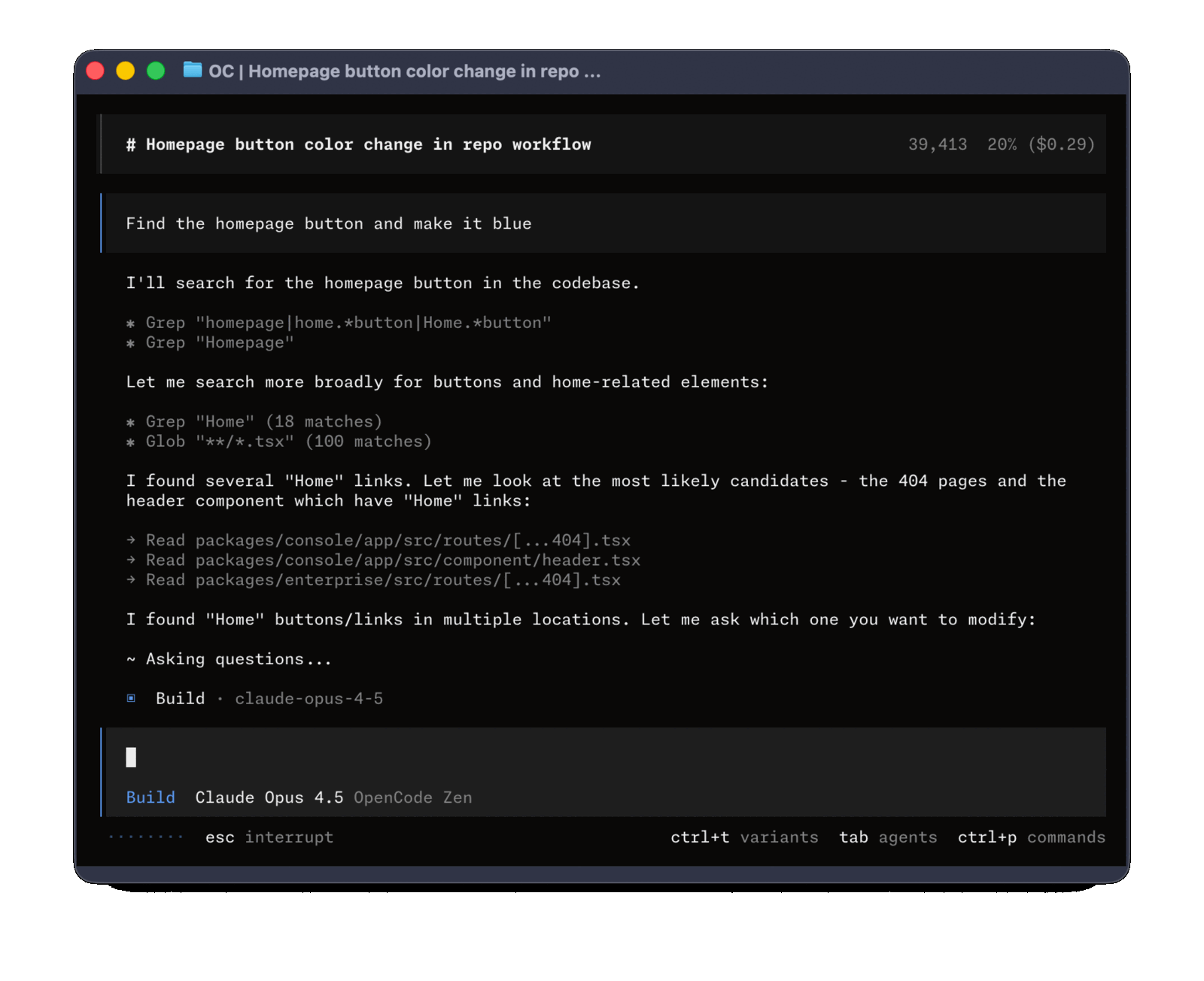
opencode is a terminal agent published by the SST team as an open-source project under the MIT license (opencode.ai). What matters for remote ops is that it is a standalone CLI, installable as a single binary, operating in the current working directory of the session. When launched inside an SSH session, the agent inherits the remote server’s environment: it reads files local to the server, runs commands local to the server, and never touches the operator’s workstation.
The interaction model is a REPL with explicit approval for actions that change system state. opencode supports cloud providers (Anthropic, OpenAI, …) and OpenAI-compatible local runtimes (Ollama, vLLM).
Use case: triaging a managed Linux server
A typical MSP scenario: we get a degradation alert on a customer server. We want a guided first-level triage — recent logs, service status, pending updates — without hand-copying dozens of commands and pasting output into chat.
1. Connection and controlled install
ssh operator@srv-customer.example
# Per-user install, no system packages touched:
curl -fsSL https://opencode.ai/install | bash -s -- --prefix "$HOME/.local"
export PATH="$HOME/.local/bin:$PATH"
opencode --version
The installer writes to $HOME/.local/bin: no sudo, no system package changes, a clean footprint. Teams that prefer packaging can pull the binary from release tags and distribute it via Ansible.
2. Configure an endpoint without exposing secrets
API keys should not live in plaintext in a committed file. Options:
# Environment variable, scoped to the current session:
read -rs ANTHROPIC_API_KEY && export ANTHROPIC_API_KEY

# Or a local endpoint via Ollama, no key required:
export OPENAI_BASE_URL="http://127.0.0.1:11434/v1"
export OPENAI_API_KEY="ollama"
For regulated environments we recommend the second option: the agent talks to a model running on the same host or on an internal node, and no data leaves the infrastructure.
3. Open a dedicated working directory
mkdir -p ~/ops-session && cd ~/ops-session
opencode
~/ops-session is a dedicated empty workspace: the agent will write notes, temporary scripts or reports here, without polluting /etc or user homes.
4. Concrete, verifiable prompts
Inside the REPL, targeted prompts yield useful output:
- “Collect the last 200 journalctl errors from the past 24 hours, group by unit, and summarise the top 5 recurring issues.”
- “Check which packages have pending security updates using
apt list --upgradableand show only those flagged -security.” - “Check the status of
nginx.service,postgresql.serviceandredis.service; if any is failed, show the last 50 log lines.”
opencode will propose commands before executing them. In MSP use, keep manual approval on every command: running in “auto” exposes you to unintended state changes.
5. Changes with diff and backup
For configuration file edits, a prompt like:
“Propose a diff against /etc/nginx/sites-available/api.conf that enables gzip only for MIME types application/json and text/css. Show me the diff, do not write anything yet.”
Recommended approach:
- Produce the diff only, do not apply.
- Manually copy
api.conftoapi.conf.bak.$(date +%F). - Approve applying the diff.
nginx -tbefore reload.
A git init inside a path like /etc is not universally acceptable on production servers, but a dated backup of every touched file is the minimum.
Limits and things not to do
- Do not leave opencode running in the background with auto-approve on a production server: it becomes an unintended attack surface.
- Never place SSH keys, database passwords, cloud tokens into prompts. The agent ships them to the LLM provider.
- Do not use cloud endpoints for hosts holding personal data (healthcare, PA) without an explicit DPIA: prefer local Ollama.
- opencode session logs (
~/.local/share/opencode/in current versions) are as sensitive as shell logs: treat them accordingly and remove them after the session if they contain customer details.
What an MSP takes away
Used this way, opencode becomes a triage assistant that supports the operator. The value lies in fast log summarisation, proposed diffs that stay under human review, and reproducibility (the session transcript is a readable audit trail). Use it with approval: it is a collaborator that asks for confirmation before acting.
Link: opencode.ai — github.com/sst/opencode